**The SoundConnect only works with Widex Moment and SmartRIC hearing aids**
The Exciting New Widex SoundConnect Dongle
How the Widex Dongle Works:
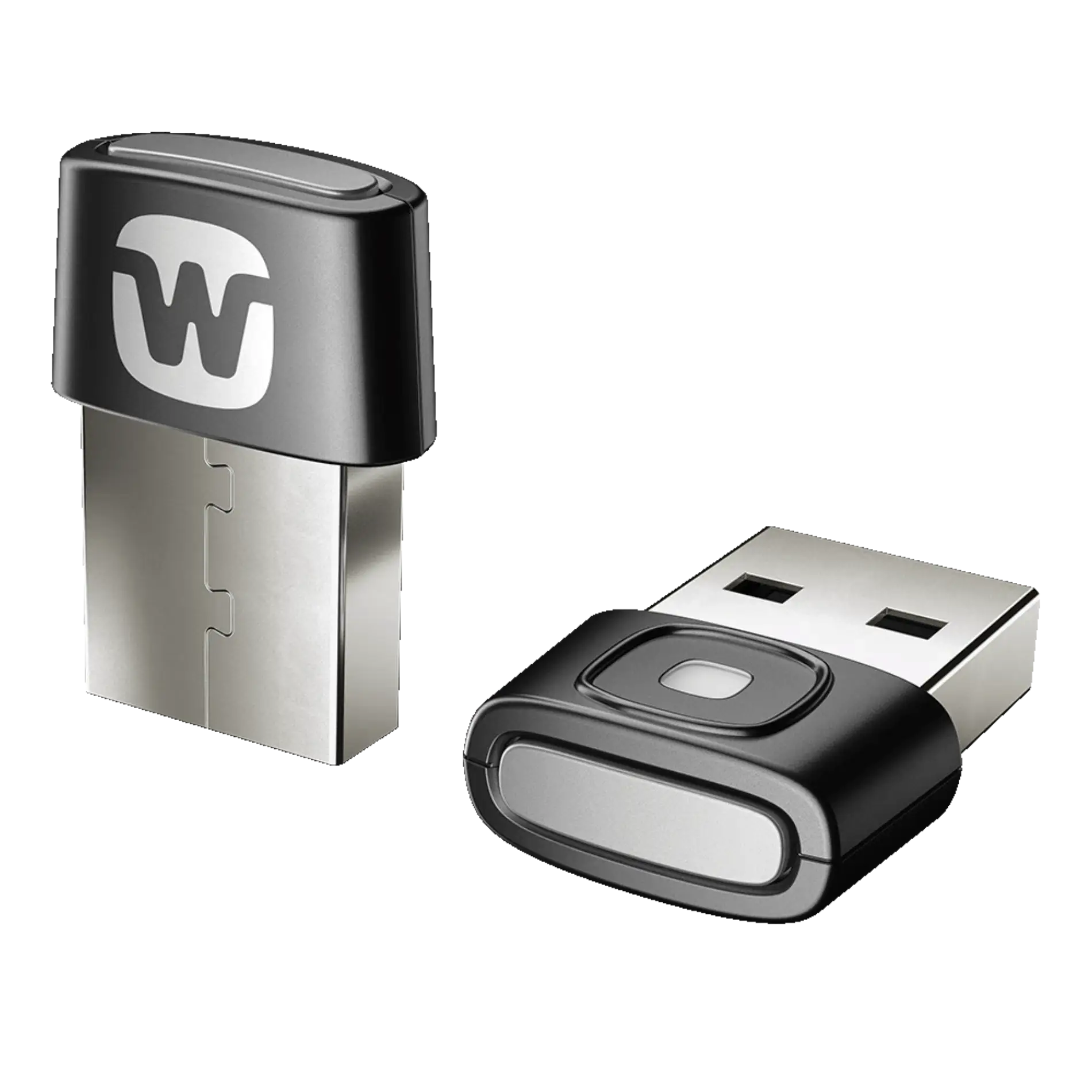
Widex SoundConnect, a USB dongle, effortlessly plugs into your computer, streaming audio directly to your Widex hearing aids. Acting as a bridge between your digital world and your hearing aids, it ensures unparalleled sound delivery from your computer to your ears.
SoundConnect Benefits:
Seamless Experience: Enjoy crystal-clear sound in conference calls or while watching blockbusters, making your digital interactions immersive and enjoyable.
Effortless Usability: Simply insert SoundConnect into your computer's USB port for a plug-and-play experience—no complications, just simplicity.
Personalized for You: Fine-tune your sound settings with the
Widex Moment and Magnify apps, tailoring your online activities to sound exactly how you want them.
Getting Started:
- Insert the SoundConnect dongle into your computer's USB port.
- Restart your hearing aids to initiate pairing.
- Hold down the SoundConnect button until you see a blue light flash.
- Ensure the hearing aids and SoundConnect are within 1.5 meters.
- A solid green light signals you're all set.
Ready to elevate your
auditory experience? Consult your local hearing care professional to explore the world of Widex SoundConnect.
Compatibility:
- Widex Moment sRIC & mRIC rechargeable hearing aids
- Widex Moment sRIC & mRIC 312 hearing aids
- Widex Moment SmartRic hearing aids
- Widex Moment BTE Hearing aids
**Will not work with
Widex Moment 10 hearing aids or Moment Custom hearing aids**
[embed]https://www.youtube.com/watch?v=KM1N3qZrTXI[/embed]